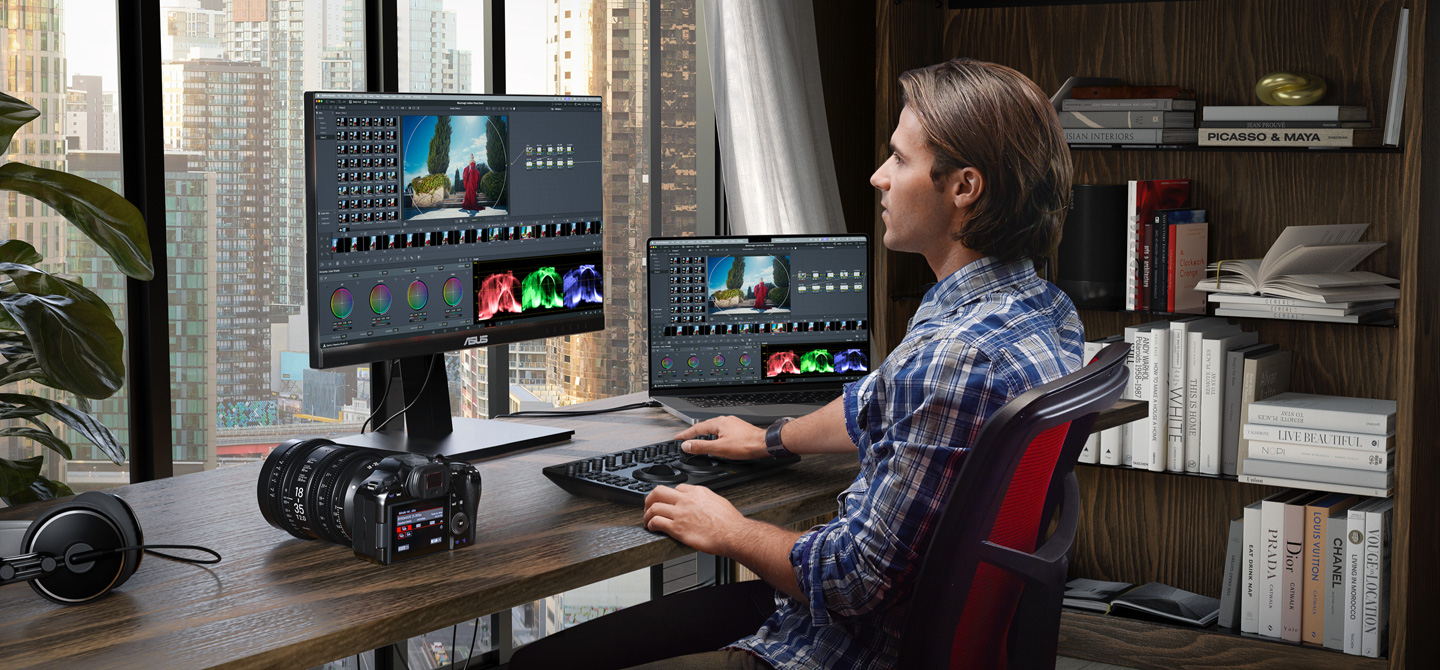
Only Darktable seemed to push the technical capabilities of photo editing forward (AgX, parametric masks, tone equalizer, etc), while rest of "industry standard" software lagged behind for quite so long, stagnant. Even more so when it comes to "creative" ways of editing, which Video Editing software have adopted for years but photo editors didn't (relight, actual LUT usage without complications, film emulation, halation, other aesthetic effects like VHS film damage, etc).
There's so much we can do. To me, it seems like these sort of conservative culture (photography) vs progressive (video editing). I've been into both worlds, and for some reason video editing software and professionals were much eager to try new stuff and celebrate new ways to shape visuals, compared to photographers.
AND it runs on Linux!
It's not every night you make a wish and wake up to find out it has come true.
There are whole guides online how to walk around these issues and even then I could not get the audio working. Somehow it relies on some old ALSA API, which is no longer maintained/supported on Ubuntu/Kubuntu, or I'm just too stupid to make it work. AI assistants could not provide working solution for me either.
I've moved back to Linux a year ago after around 10 years of Windows (and I used to use Linux Slackware for ~15 years beforehand). I am amazed how big progress the KDE made and whole Linux ecosystem. Gaming these days is just as easy as on Windows, which was my primary reason to switch to Windows. My printer just works now. Even music production is excellent on Linux now. There is plenty of great software options to choose from and they just work - as I would expect from the mature ecosystem.
This all feels so good, given how Linux is not pushing trash into my computer (OS-bound spyware/bloatware), has excellent, customizable UI. Full freedom. I do feel that I own my hardware.
Yet I miss DaVinci Resolve. For now I use Kdenlive, which is nice for simple editing, but feels unfinished, or I just don't know how to use it correctly.
> It includes native RAW support for Canon, Fujifilm, Nikon, Sony and even iPhone ProRAW.
I looked all over for a more technical page that just lists these kind of specs in bullet-point form, but apparently they refuse to communicate information about their product in this way? The "Tech Specs" page only seems to show information about hardware products. /shrug
Would be cool to have something I can use to edit my Fujifilm-shot photos without any sort of subscription. Capture One Express (or whatever it's called now) is super light on features, but processes Fujifilm .RAF's very well (oh, or it used to, apparently it's permanently discontinued now, great). I'd love to use Lightroom but I refuse to pay for a subscription to use software, so... options are limited :\
[1] https://images.blackmagicdesign.com/images/products/davincir...
Kind of stoked to see this release even though I've transitioned to a 100% open source photo workflow on Linux now.
IMO, most exciting developments in photo editing today happens in open source. But this is really something.
As someone who hasn't touched DaVinci products before (but a lot of experience with LR) - I am immediately confused by the integration of photo editing here. It feels very much like video editing software with photo editing tacked on. I can imagine that this would be much more intuitive for people who are already used to using DaVinci for video editing.
I can intuit from the interface that there are a lot of powerful editing opportunities here, but I feel lost in the software. I spent 15 minutes or so trying to figure out how to do simple masking, but I could not find any way to do it for photos.
Obviously this is just a beta and hopefully the workflow will be improved, but unless the photo editing features are extracted in to their own software package, I don't think it's enough yet to sway me from LR (and I want so desperately to be swayed)
Meanwhile, I wish BMD would take a step back and do the housecleaning that Resolve so desperately needs. They threw a bunch of purchased products together on different pages and called it "integrated," when in fact the integration is buggy and janky.
The #1 thing they need to do is integrate all the nodeviews. A single nodeview for all processing would make Resolve a truly groundbreaking product, and undoubtedly eliminate a lot of bugs.
For culling there is nothing better than Photo Mechanic. Worth every penny. For editing, surprisingly, the best solution (performance/features wise) I found is Photomator (recently acquired by Apple). The trick though is not to import RAWs into Photomator, but import into Apple's photo library first (so it doesn't copy RAW files from SSD and doesn't not sync with gallery ofc), and Photomator picks it up natively.
Performance/features wise this stack works fine, but it's a constant juggling with 3 apps, which makes if far from perfect.
Curious to try DaVinci Photo and see how it handles large collections of RAWs and how practical it is to use.
I've been using DaVinci Resolve as my desktop video editor for years, and it's great, can highly recommend it as well.
There is a bunch of other stuff I think is interesting in this release's marketting as well. For instance. OGraf, a new EBU standard for HTML in motion graphics systems, as well as Lottie animation support.
The AI blemish remover looks interesting. The AI content search looks interesting. AI Slate ID looks interesting, although I've never actually used a slate. I'm less thrilled to see an AI speech generator though.
There is now Vertical Resolution support. Not something I have particularly wanted to do, but I can see it being useful to a lot of people. Also, the new Picture in Picture tool looks like it might be a time saver, as someone who does a lot of people talking next to slides.
I don't know, does Resolve have lens corrections for 100+ lenses built-in? That's the thing that DxO does really well: Lens corrections, matching your camera's color rendering, denoising. Unfortunately, they still struggle with HDR output.
I imagine the tools in Resolve save you much time, due to automation. Probably handy if you shoot a lot. Yet, the biggest difference is that in photography, you're not necessarily limited by throughput. You can and do actually put a lot of effort into single images.
Edit: ofc it couldn't be that easy, need to update some libs to make DaVinci Resolve happy.
The cinematic color grading seems super cool, can’t wait to give this a try.
I’ve returned to Canon Desktop photo Pro for processing raw, but it’s clunky and Windows and only does canon raw (though I kind of get that). I’m trying DXO on windows some good gpu acceleration, but no Linux. I’ve moved most of my work to Linux, and I did try raw therapy and darktable but it wasn’t intuitive enough and i had to tweak a lot. I’ll pay for a light room alternative (which I bought years ago.. they don’t support new cameras which is how they get you to upgrade.)
If I can switch to a photo editor that lets me process everything properly, skip the monthly subscription, and not have Adobe tracking all over my system—that’s exactly what I want.
This feels like a dream come true. Really amazing.
I mean, they all process image data, so it had that going for it, but I'm still disappointed Apple gave up on Aperture, then nobody really innovated after that, in terms of library management and workflows.
I've been editing my videos by transcription for the past two years. Can edit very quickly. Takes about 2 hours to edit a one hour video. It's actually faster than working with an editor.
How does BM cloud work in this regard? Can we dump a card straight in, have it sync, edit, export etc and never think about the files again?
Could check this out
Might be the final nail in the coffin for my creative cloud subscription
Having a proper choice that is not Adobe or Affinity is a win for every amateur like myself working with videos and photos.